Using Sketch-Style Photos for Social Media Profiles
Practical tips for using sketch-effect photos as social media profile pictures, including sizing and visual consistency.
A sketch-effect profile picture stands out in a feed dominated by ordinary photos — a small, distinctive choice that's easy to make well with a bit of planning.
Why a sketch profile picture stands out
Most profile pictures are straightforward photos — a sketch-style image immediately reads as different, memorable, and slightly more considered, without requiring any actual design skill to achieve that effect.
Choosing the right source photo
As covered in our best-photos article, a clear, well-lit photo with good subject-background contrast produces the cleanest sketch result — for a profile picture specifically, a straightforward, recognisable portrait shot (rather than a busy group photo or distant shot) works best, since the final image will often be displayed quite small.
Consider how it displays at small sizes
Profile pictures are frequently shown at small sizes across different platforms — a highly detailed, busy sketch effect can lose clarity when scaled down, while a cleaner, higher-contrast sketch remains recognisable even small. Preview your result at a genuinely small size before finalising, not just at full screen size.
Maintaining visual consistency across platforms
If you use the same or similar sketch-style image across multiple social platforms, a consistent style creates a more cohesive personal brand or recognisable presence than a completely different image style on each platform.
Colour vs monochrome for profile pictures specifically
A colour sketch effect can feel warmer and more approachable for personal accounts; a monochrome sketch often reads as more polished or professional — worth choosing deliberately based on the impression you want to create, rather than defaulting to whichever effect you tried first.
Refreshing your profile picture periodically
A sketch-style profile picture is also a low-effort way to periodically refresh your online presence — applying the effect to an updated, recent photo keeps your profile feeling current, without needing an entirely new professional photoshoot each time.
A quick practical checklist
Choose a clear, well-lit source photo; preview the sketch effect at actual small display size; and pick colour or monochrome deliberately based on the tone you want your profile to convey.
Create a distinctive sketch-style profile picture with Color Photo Sketch →
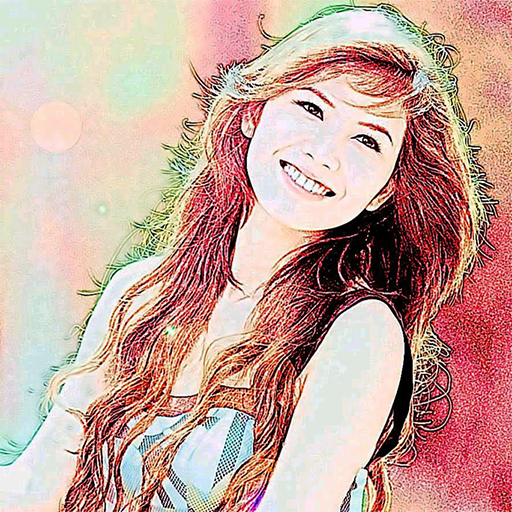
Color Photo Sketch
Turn your photos into sketch and art-style effects in one tap
More about Color Photo Sketch
Flowers and Plants: Botanical-Style Sketches From Photos
Photograph flowers and plants so they become elegant botanical-style sketches — lighting, backgrounds, close-ups and ideas for using the results.
Read article →Food Photos as Sketch Art for Menus and Recipes
Turn food photos into sketch-style illustrations for menus, recipe cards and cookbooks, with tips on lighting, plating and choosing effects.
Read article →Night and Low-Light Photos: Can They Become Good Sketches?
Why dark and noisy photos often turn into muddy sketches, which night photos work well, and how to prepare low-light images for art effects.
Read article →Shadows and Highlights: What Makes a Sketch Pop
Understand how light and shadow in your original photo shape the final sketch, and how to adjust brightness and contrast for better art effects.
Read article →