How Photo-to-Sketch Filters Actually Work
A plain explanation of how digital sketch and art filters transform a photo, and what makes some effects more convincing than others.
Turning a photo into something that looks hand-drawn feels like a small piece of magic, but the underlying process is a well-understood set of image processing steps, applied automatically and near-instantly.
The core idea: edge detection
Most sketch effects start with edge detection — an image processing technique that identifies areas of sharp contrast (where a shape's outline sits against its background) and highlights them, while flattening or removing more gradual colour transitions. This is essentially how a real pencil sketch works too — outlines and key contrast lines, with less emphasis on subtle shading.
Why some sketch filters look more convincing than others
A convincing sketch effect doesn't just detect edges — it also varies line weight, adds some texture mimicking pencil or charcoal strokes, and often desaturates or reduces colour to match how a real sketch would look. Simpler filters that only apply basic edge detection without these additional touches tend to look more mechanical and less like genuine artwork.
Colour sketch vs black-and-white sketch effects
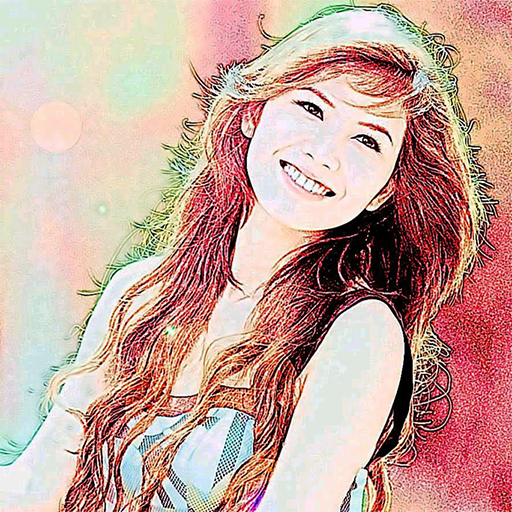
A black-and-white sketch effect mimics traditional pencil or charcoal drawing directly. A colour sketch effect is a bit more stylised — it typically keeps some of the original photo's colour information while still applying sketch-like line and texture treatment, aiming for something between a photo and a coloured illustration rather than a strictly monochrome pencil look.
Why photo quality affects the sketch result
A sharp, well-lit original photo with clear contrast between the subject and background produces a noticeably cleaner sketch effect than a blurry, low-contrast, or poorly lit photo — since the effect fundamentally relies on detecting real edges and contrast in the source image, a weak source image gives the algorithm less to work with.
Why faces and portraits often work particularly well
Faces have clear, well-defined edges (eyes, nose, jawline, hair boundary) that edge-detection-based effects can pick up effectively, which is part of why sketch filters are especially popular for portrait photos specifically.
A quick tip for better results
Choose source photos with good lighting and clear subject-background contrast when possible — the sketch effect quality is directly tied to how much clean edge information the original photo actually provides.
Turn your photos into sketch-style art instantly with Color Photo Sketch →
Color Photo Sketch
Turn your photos into sketch and art-style effects in one tap
More about Color Photo Sketch
Flowers and Plants: Botanical-Style Sketches From Photos
Photograph flowers and plants so they become elegant botanical-style sketches — lighting, backgrounds, close-ups and ideas for using the results.
Read article →Food Photos as Sketch Art for Menus and Recipes
Turn food photos into sketch-style illustrations for menus, recipe cards and cookbooks, with tips on lighting, plating and choosing effects.
Read article →Night and Low-Light Photos: Can They Become Good Sketches?
Why dark and noisy photos often turn into muddy sketches, which night photos work well, and how to prepare low-light images for art effects.
Read article →Shadows and Highlights: What Makes a Sketch Pop
Understand how light and shadow in your original photo shape the final sketch, and how to adjust brightness and contrast for better art effects.
Read article →