Comparing Effects: How to Choose the Best Result for a Photo
A simple method for trying several sketch effects on one picture and judging which one works best.
When an app offers many effects, it's tempting to pick the first one you like. A quick comparison often leads to a better choice.
Set up a fair comparison
- Pick one good photo.
- Apply several effects, saving each result.
- View them side by side, if possible, or flip between them.
- Use the same size and viewing conditions.
What to look at
| Question | What it tells you |
|---|---|
| Is the subject clear? | whether the effect helps or hides it |
| Do the lines follow the forms? | whether it looks natural |
| Is there enough contrast? | whether it feels alive or flat |
| Is the background calm? | whether the picture is focused |
| Do faces look like the person? | whether the likeness survives |
| Does the mood fit? | whether the effect suits the purpose |
Match the effect to the purpose
| Purpose | Look for |
|---|---|
| Portrait gift | soft, flattering, faces clear |
| Wall art | a strong graphic look that holds from a distance |
| Social profile | bold, readable even when small |
| Card or invitation | light, clean, room for text |
| Colouring page | clean outlines, few details |
The small-size test
Shrink the picture to thumbnail size. If the subject still reads, the effect is working. If it turns to mush, choose a bolder one.
The distance test
Step back and look from arm's length or further. Good sketches hold their shape from a distance.
Ask someone else
A fresh pair of eyes often spots issues you've missed. Ask a friend which they prefer, and why.
Don't over-rely on the strongest effect
The most dramatic option isn't always best. Sometimes a gentle effect gives a truer result.
Save your favourites
If you find an effect that works well on one type of photo, note it. Over time you'll learn which effects suit portraits, landscapes and objects.
Keep the original
Save the unedited photo, so you can try again with different effects later.
Tip
Choose based on the picture in front of you, not on habit.
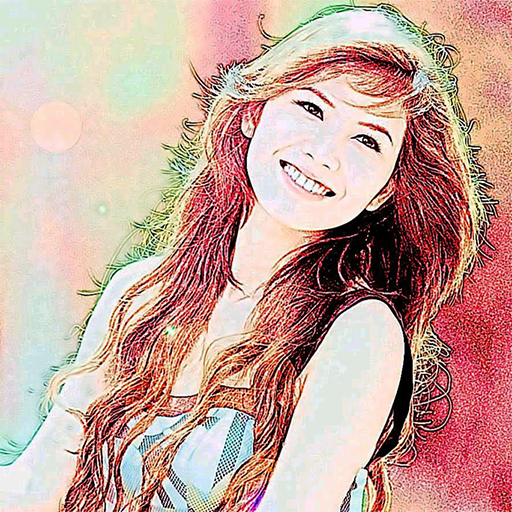
Color Photo Sketch
Turn your photos into sketch and art-style effects in one tap
More about Color Photo Sketch
Flowers and Plants: Botanical-Style Sketches From Photos
Photograph flowers and plants so they become elegant botanical-style sketches — lighting, backgrounds, close-ups and ideas for using the results.
Read article →Food Photos as Sketch Art for Menus and Recipes
Turn food photos into sketch-style illustrations for menus, recipe cards and cookbooks, with tips on lighting, plating and choosing effects.
Read article →Night and Low-Light Photos: Can They Become Good Sketches?
Why dark and noisy photos often turn into muddy sketches, which night photos work well, and how to prepare low-light images for art effects.
Read article →Shadows and Highlights: What Makes a Sketch Pop
Understand how light and shadow in your original photo shape the final sketch, and how to adjust brightness and contrast for better art effects.
Read article →